Account Types Explained
Category:Getting Started
Reading time:2 minutes
Choose the Account That's Right for You
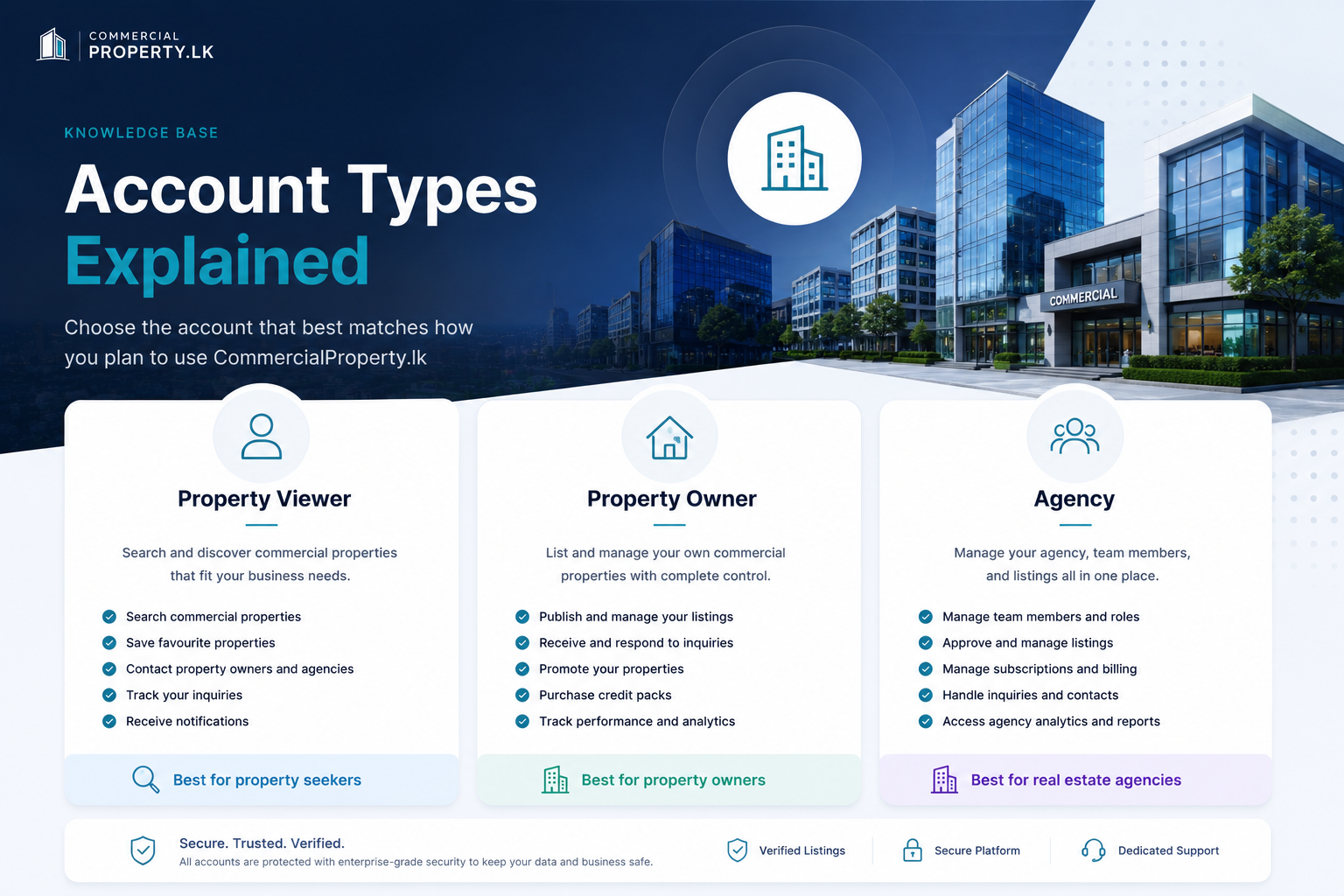
CommercialProperty.lkoffers three account types designed for different users. Choose the one that best matches how you plan to use the platform.
Property Viewer
Perfect for businesses and individuals searching for commercial properties.
With aProperty Vieweraccount, you can:
Search commercial properties across Sri Lanka
Save favourite properties
Contact property owners and agencies
Track your inquiries
Receive notifications about your activity
Property Viewer accounts cannot publish property listings.
Property Owner
Ideal for individuals or businesses that own commercial properties.
With aProperty Owneraccount, you can:
Publish and manage your own property listings
Edit and update your listings
Receive and respond to inquiries
Promote your properties using Boost, Featured, or Sponsored promotions
Purchase credit packs
View listing performance and analytics
Agency
AnAgencyaccount is designed for real estate agencies managing multiple users and commercial property listings.
During registration, you'll choose whether you're registering as an:
Individual– For sole proprietors or independent real estate professionals.
Company– For registered real estate companies and organizations.
Once your agency is registered, the person who created the account becomes theAgency Super Admin.
The Agency Super Admin can invite additional team members and assign one of the following roles.
Agency Super Admin
The Agency Super Admin has full control of the agency account and can:
Manage agency information
Invite, edit, and remove team members
Assign user roles
Manage subscriptions and billing
Purchase and manage promotion credits
View transactions and invoices
Manage agency contacts
Approve property listings
View agency analytics and reports
Manage all agency properties and inquiries
Agency Admin
Agency Admins help manage the agency's property portfolio.
They can:
View all agency properties
Create and edit property listings
Edit listings created by other agents
Respond to inquiries
Manage property promotions
Agency Admins cannot manage subscriptions, billing, users, agency settings, or other administrative functions.
Agent
Agents manage the properties assigned to them.
They can:
Create property listings
Edit their own listings
Save listings as drafts
Respond to inquiries for their assigned properties
Property listings created by Agents must be approved by the Agency Super Admin before they are published.
Agents cannot register directly onCommercialProperty.lk. They can only join an agency after receiving an invitation from an Agency Super Admin.
Which Account Should I Choose?
If you want to... Choose...
Search for commercial properties -Property Viewer
Advertise your own commercial properties -Property Owner
Register and manage a real estate agency -Agency
Can I Change My Account Type?
Yes, in some cases.
Property Viewer ↔ Property Ownercan be changed at any time fromAccount Settings.
Agencyaccounts require a separate registration process and cannot be converted from a Property Viewer or Property Owner account.
Agency roles(Agency Super Admin, Agency Admin, and Agent) are assigned and managed by theAgency Super Admin.
Related Articles
Continue with these helpful guides:
Create Your CPLK Account– Learn how to register your account.
Verify Your Email Address– Activate your account after registration.
Complete Your Profile– Add your personal and contact information.
Create Your First Property Listing– Publish your first commercial property.
Was this article helpful?
If you still have questions, our support team is here to help.
Submit a Support TicketNot signed in? Sign in first
