Verify Your Email Address
Category:Getting Started
Reading time:1 minute
Why Do I Need to Verify My Email?
Verifying your email address confirms that you own the email used to create yourCommercialProperty.lkaccount.
Email verification helps keep your account secure and allows us to send important notifications about your account and property listings.
Your account must be verified before you can access all platform features.
How to Verify Your Email
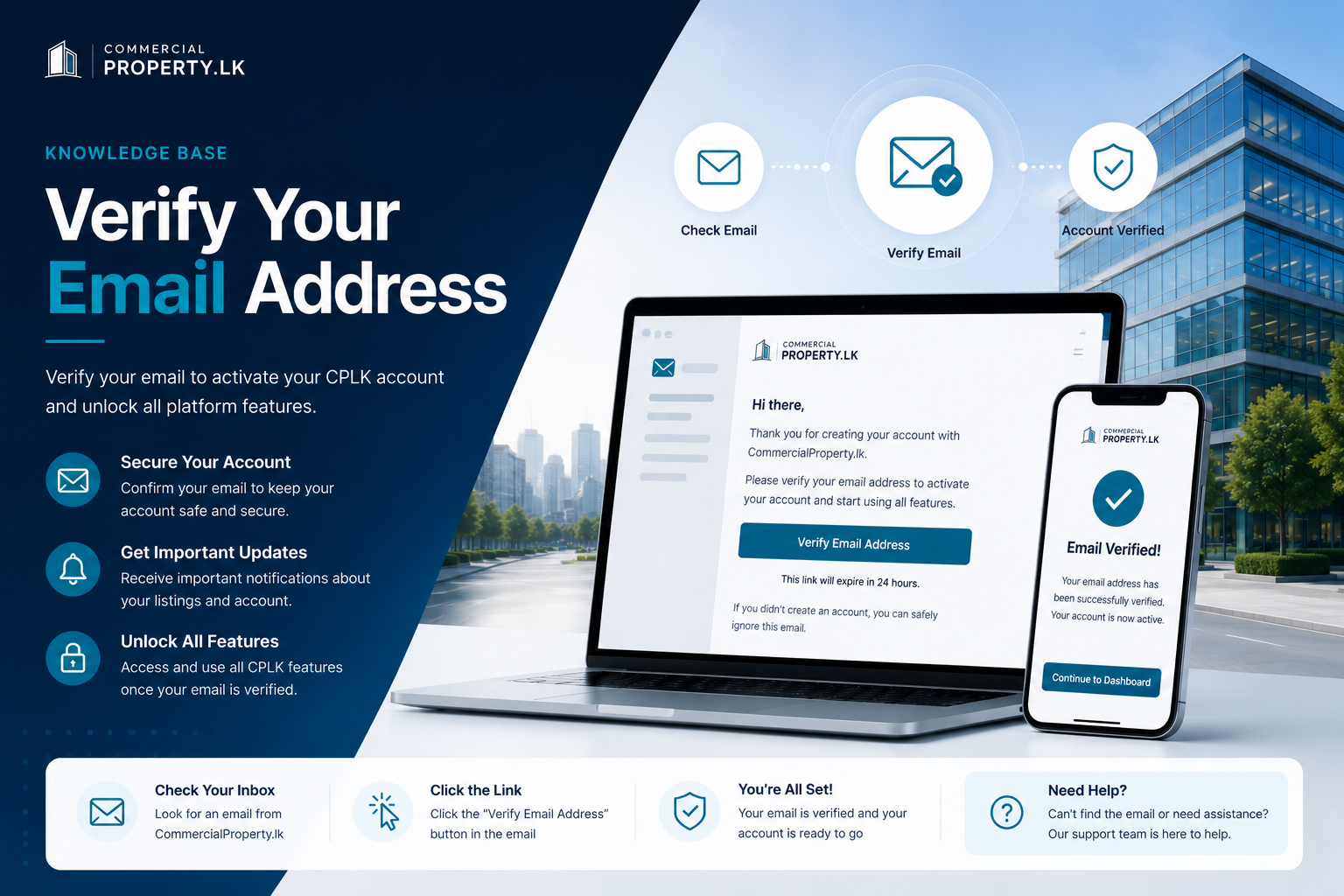
Check your inbox for an email fromCommercialProperty.lk.
Open the email and click theVerify Email Addressbutton.
You'll be redirected toCommercialProperty.lk.
A confirmation message will let you know that your email has been successfully verified.
You can now sign in and continue setting up your account.
Didn't Receive the Email?
If you can't find the verification email:
Check yourSpamorJunkfolder.
Make sure you entered the correct email address during registration.
Wait a few minutes and refresh your inbox.
ClickResend Verification Emailfrom the sign-in page if needed.
My Verification Link Has Expired
For your security, verification links expire after a limited time.
If your link has expired:
Sign in toCommercialProperty.lk.
ClickResend Verification Email.
Open the new email and click the verification link.
Only the most recently sent verification email will work.
Need Help?
If you're still unable to verify your email, please contact our support team. We'll be happy to help you activate your account.
Related Articles
Continue with these helpful guides:
Create Your CPLK Account– Learn how to register your account.
Account Types Explained– Understand the different account types available.
Complete Your Profile– Add your personal information after signing in.
Contact Support– Get help if you're experiencing account issues.
Was this article helpful?
If you still have questions, our support team is here to help.
Submit a Support TicketNot signed in? Sign in first
