Category:Accounts & Security
Reading time:2 minutes
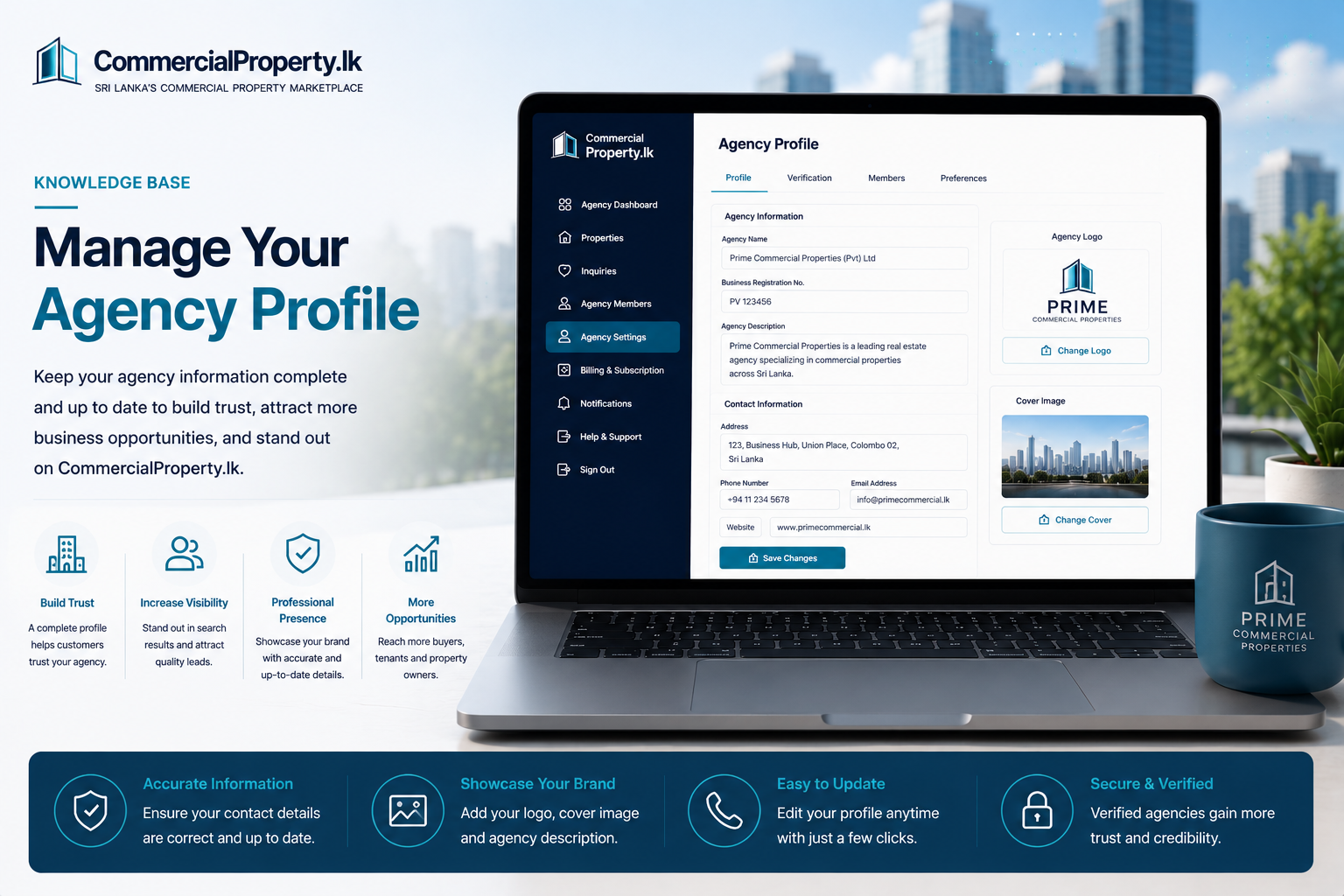
Manage Your Agency Profile
Your agency profile is displayed to potential customers and helps establish your business's credibility onCommercialProperty.lk.
Keeping it complete and up to date helps buyers, tenants, and property owners learn more about your agency.
Who Can Manage the Agency Profile?
Only theAgency Super Admincan edit the agency profile.
Agents and Agency Admins can view the agency information but cannot make changes.
How to Update Your Agency Profile
Sign in to yourCommercialProperty.lkaccount.
SelectMy AgencyorAgency Settingsfrom the left navigation menu.
Open theProfiletab.
ClickEdit Profile.
Update your agency information.
ClickSave Changes.
Your changes will be visible immediately.
What Can Be Updated?
You can update:
Agency Details
Agency Name
Agency Description/Info
Agency Logo
Agency Cover Image
Contact Information
Business Address
City
Contact Numbers
Email Address
Website
Social Media(Optional)
Facebook
LinkedIn
Instagram
YouTube
Why Keep Your Agency Profile Updated?
A complete agency profile helps you:
Build trust with potential customers.
Present a more professional business image.
Improve your agency's credibility.
Make it easier for customers to contact you.
Related Articles
Continue with these helpful guides:
Verify Your Agency
Manage Your Profile
Invite Agency Members
Contact Support
Was this article helpful?
If you still have questions, our support team is here to help.
Submit a Support TicketNot signed in? Sign in first
