Category:Accounts & Security
Reading time:1 minute
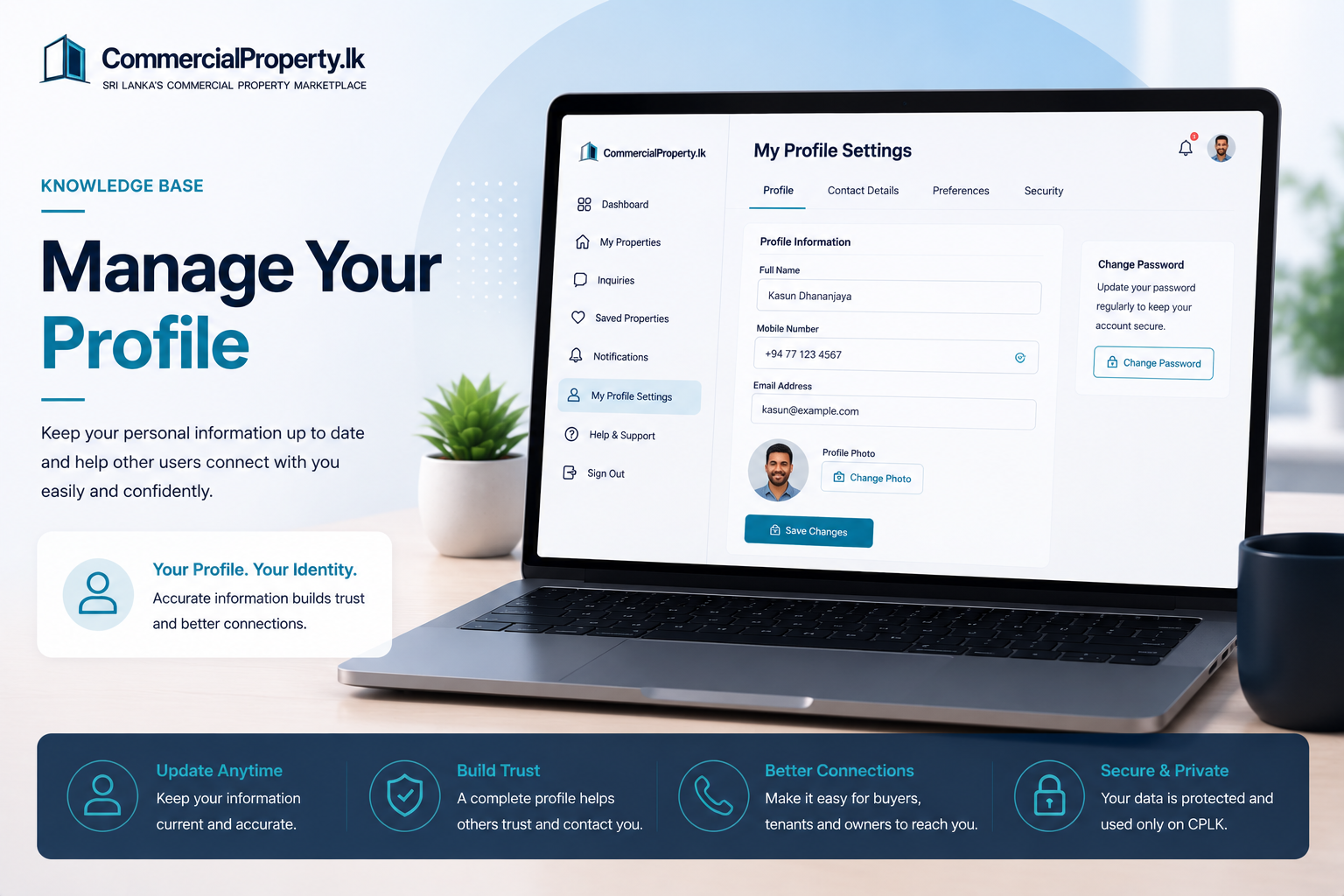
Manage Your Profile
Keep your personal information up to date so other users can easily identify and contact you.
How to Manage Your Profile
Sign in to yourCommercialProperty.lkaccount.
Click yourprofile picturein the top-right corner and selectMy Profile Settings, or selectMy Profile Settingsfrom the left navigation menu.
Open theProfiletab.
ClickEdit Profile.
Update your information.
ClickSave Changes.
Your changes are saved immediately.
What Can I Update?
You can update:
Full Name
Mobile Number
Profile Photo
Additional Contact Numbers(optional)
Preferred Contact Method(optional)
Need to Change Your Password?
You can also change your password from theProfiletab by selectingChange Password.
Related Articles
Continue with these helpful guides:
Reset Your Password
Verify Your Identity
Manage Your Agency Profile
Contact Support
Was this article helpful?
If you still have questions, our support team is here to help.
Submit a Support TicketNot signed in? Sign in first
