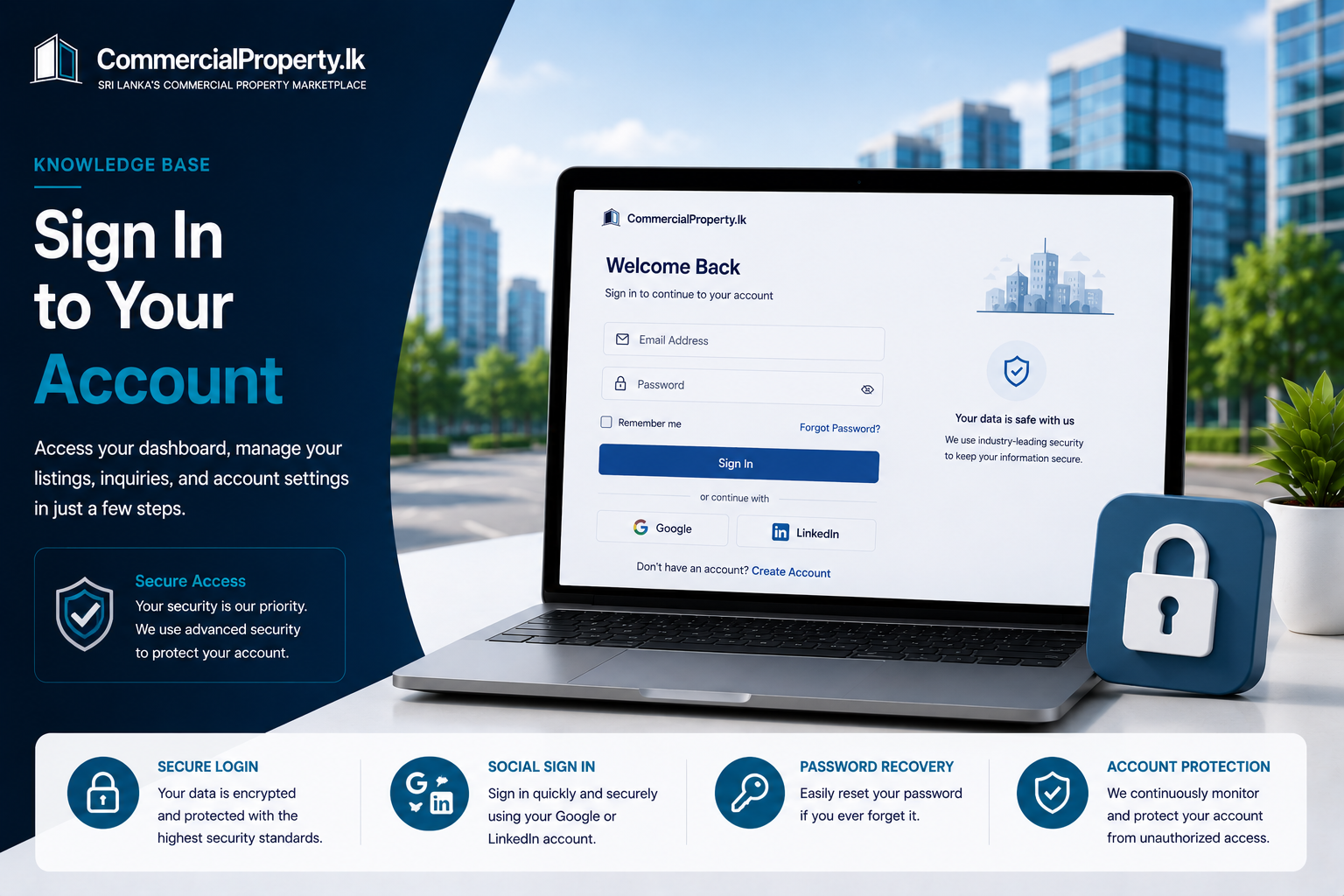
Sign In/Log In to Your Account
Category:Accounts & Security
Reading time:1 minute
Sign In/Log In toCommercialProperty.lk
Signing in/Logging in gives you access to your dashboard, saved properties, property listings, inquiries, notifications, and account settings.
How to Sign In
ClickSign In/Log Infrom the top-right corner of the website.
Enter your registeredemail address.
Enter yourpassword.
ClickSign In/Log In.
You'll be redirected to your dashboard.
Sign In/ Log In with Google or LinkedIn
If you registered usingGoogleorLinkedIn, simply click the corresponding button on the Sign In/ Log In page.
You'll be securely signed in using your existing account.
Use the same sign-in method you selected when creating your account.
Forgot Your Password?
If you've forgotten your password:
ClickForgot Password?
Enter your registered email address.
ClickSend Reset Link.
Follow the instructions in the email to create a new password.
Having Trouble Signing In/Logging In?
Check the following:
Make sure you're using the correct email address.
Check that your password is entered correctly.
Verify that your email address has been confirmed.
If you use Google or LinkedIn, select the correct sign-in/Log In option.
If you're still unable to sign in, please contact our support team.
Keep Your Account Secure
To help protect your account:
Use a strong, unique password.
Never share your login details with anyone.
Always sign out when using a shared or public computer.
Related Articles
Continue with these helpful guides:
Reset Your Password– Recover access to your account.
Verify Your Email Address– Activate your account after registration.
Enable Two-Factor Authentication– Add an extra layer of security.
Contact Support– Need help signing in?
Was this article helpful?
If you still have questions, our support team is here to help.
Submit a Support TicketNot signed in? Sign in first
